NikiPriSplit expenses, manage tasks, and run your team — in one app.
Split any bill with anyone, settle up straight over UPI, keep your shared to-dos moving, and run your team’s matches, attendance and dues from the same place.
What NikiPri does
Three things you do every week, together in one app
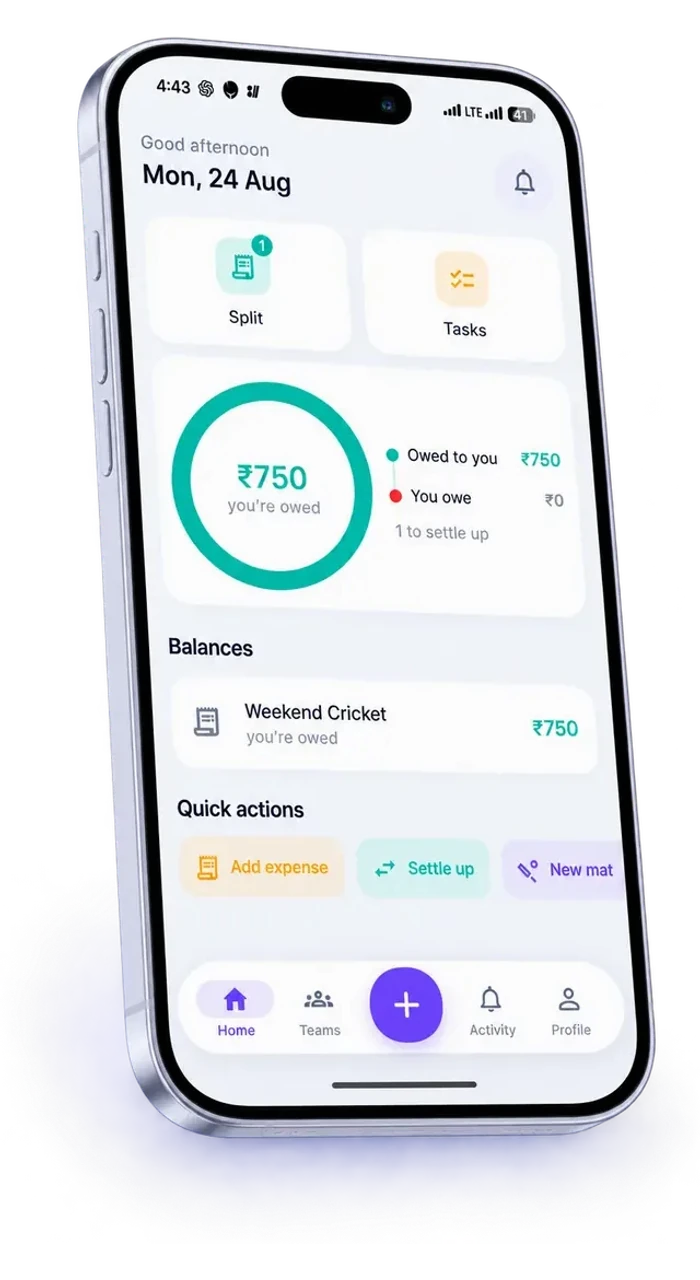
Split expenses
Always know who owes what.
Split any bill — equally, by exact amounts, by percentage or by shares — and settle up straight over UPI.
- Four ways to split, down to the last paisa
- Settle up over UPI with a QR or a tap
- Running balances for every group and friend
Manage tasks
Stay on top of it.
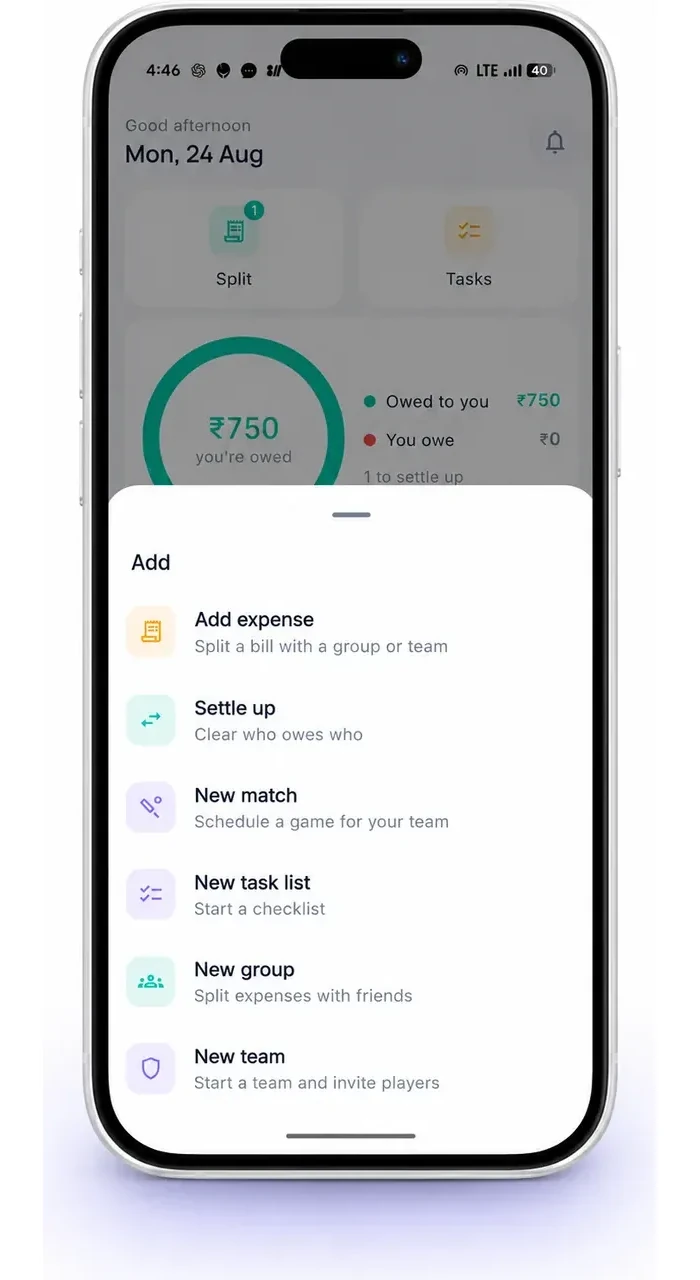
Keep personal and shared lists in one place, assign work to real people, and let reminders do the chasing.
- Personal lists and shared lists side by side
- Assign a task and it shows up as theirs
- Steps, due dates, reminders and tags
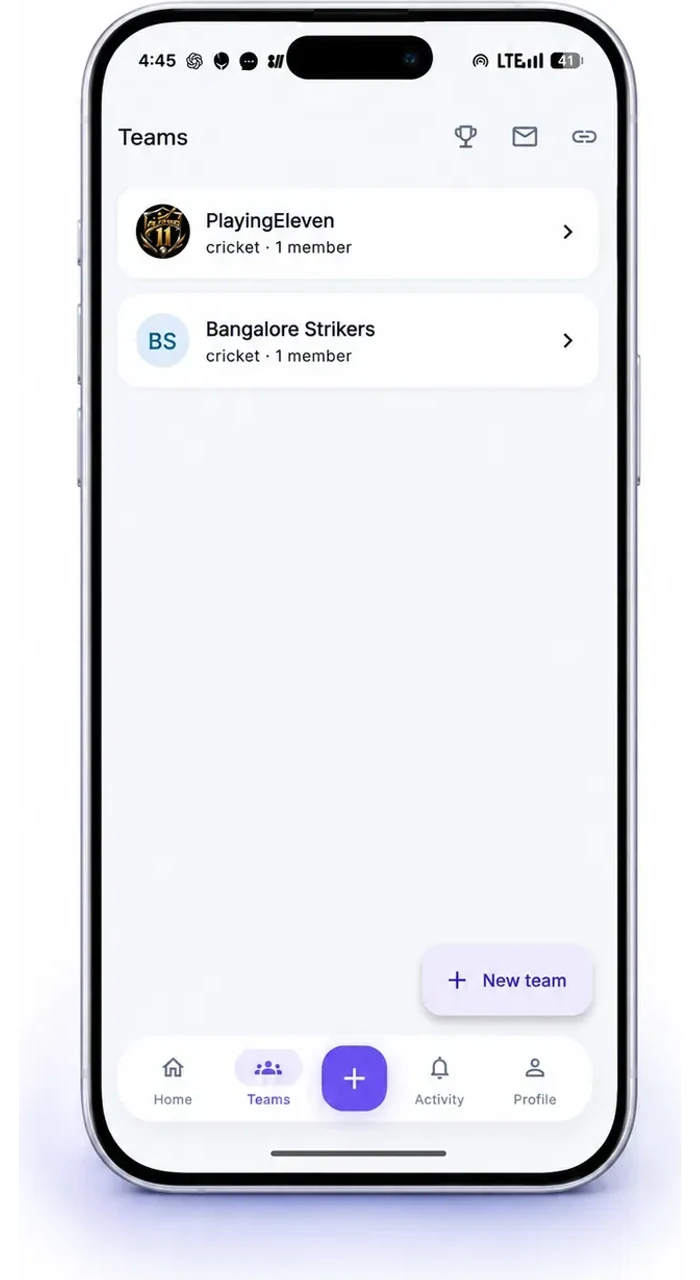
Run your team
Everything your team needs, in one place.
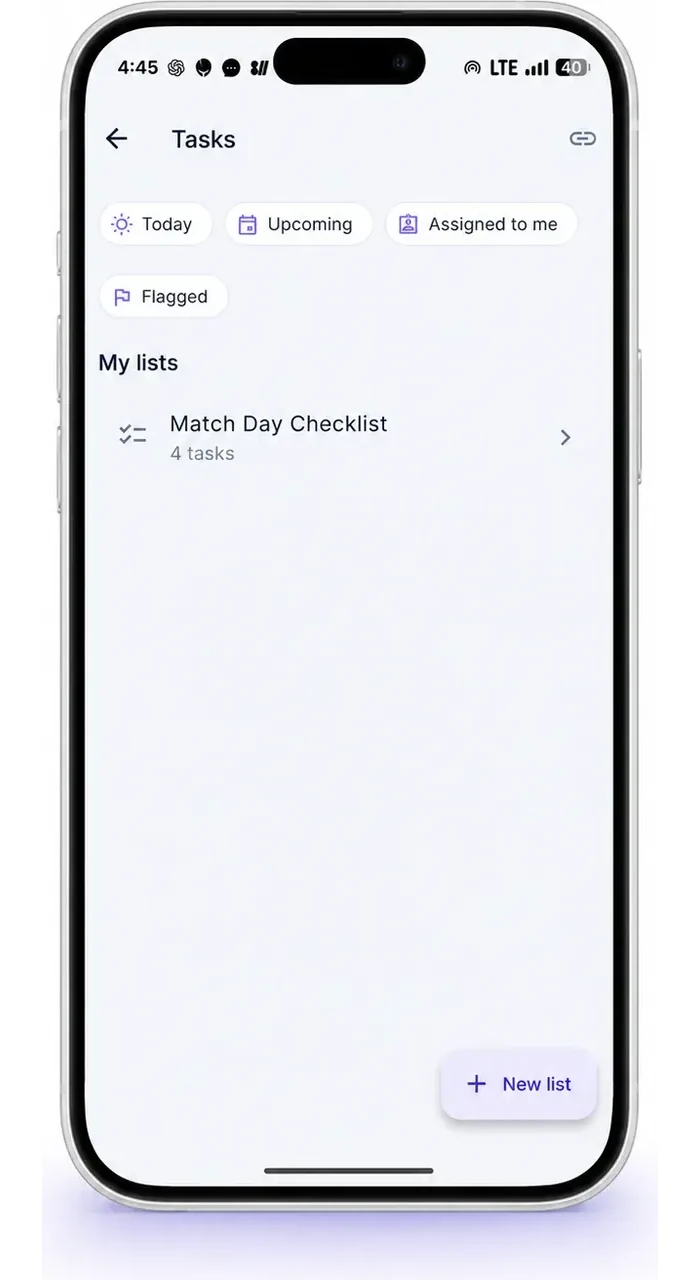
Schedule matches, collect RSVPs, mark who actually played, and keep fees and dues moving — without the group chat.
- One schedule for every match
- IN / OUT / Maybe RSVPs and attendance
- Team fees and dues, tracked and settled
Why NikiPri
One app that fits how you and your people actually work
Everything in one app
Money, tasks and your team share the same people and the same place. Split a cost from a match, turn a fee into a task, settle it — without leaving the app.
UPI-first, built for India
Settling up means a UPI QR and the UPI ID of the person who paid, so you pay them straight from your own UPI app. Hosted in Mumbai, so it stays quick where you actually use it.
Free to use
Every feature, no subscription, no per-group limit. Split what you like with as many people as you like.
Works for your flat, your friends, or your team
A flat splitting rent, friends on a trip, or a full squad with matches and dues — the same app scales to whichever group you are in today.
How it works
Up and running in three steps
- 1
Sign up
Create your account with an email or Google, and pick a username your friends can find you by.
- 2
Add your people
Search someone by username or share an invite link. They accept, and your group or team is live.
- 3
Split, track, settle
Add an expense or a task, see exactly who owes what, and settle up over UPI.
FAQ
Questions people ask before they download
What is NikiPri?
NikiPri is a free Android and iOS app that does three things in one account: it splits expenses with your friends, flat or team; it keeps personal and shared task lists moving; and it runs your team’s matches, attendance and dues.
Is NikiPri free?
Yes. Every feature is free — no subscription, no per-group limit, and no cap on how many people you split with.
How does settling up work?
You owe whoever paid, so NikiPri shows you their UPI QR code and their UPI ID. You pay them from your own UPI app — the way you pay anyone — and then mark it settled. NikiPri is not a payment gateway: it never holds your money, never starts a payment for you, and never sees your UPI PIN, card or bank details.
Can I split a bill unequally?
Yes. Split equally, by exact amounts, by percentage, or by shares — and it balances to the last paisa. The people you split with don’t have to be on your team either, so a one-off game with friends works the same way.
Do I need a team to use NikiPri?
No. A flat splitting rent, friends on a trip and a full cricket squad all work. You choose which of Split, Tasks and Teams you want when you sign up, and the rest stays out of the way.
Can I assign tasks to other people?
Yes. Shared lists sit next to your personal ones, an assigned task shows up as theirs, and steps, due dates, reminders and tags keep it moving.
Where is my data stored, and is it private?
On servers in India (Mumbai region), encrypted in transit. Only the people you share a group or team with can see that group’s data. We never sell your data or use it for advertising.
Where can I download NikiPri?
On Google Play and the App Store — it is live on both, free, with no in-app purchases.
Get NikiPri when it lands
Split expenses, manage tasks, and run your team — free, on Android and iOS.